
In today’s online world, skills are more important than certificates. If you want to become a successful digital marketer, having a strong digital marketing portfolio website can help you stand out from others.
A digital marketing portfolio website works like your online resume. It shows your skills, projects, creativity, and experience to clients or companies.
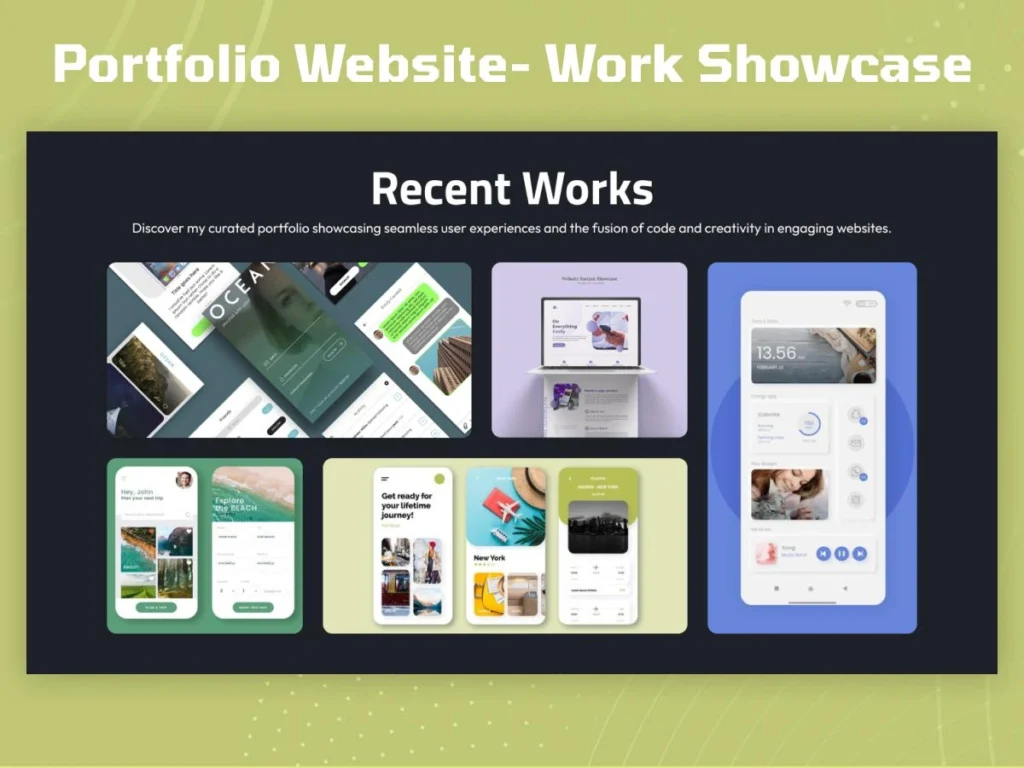
Whether you are a student, freelancer, or beginner, creating a portfolio website can improve your career opportunities.
In this guide, you will learn how to create a professional digital marketing portfolio website step by step in simple language.
What is a Digital Marketing Portfolio?
A Digital Marketing portfolio is a website that displays your:
- Skills
- Projects
- Certifications
- Services
- Achievements
- Contact details
It helps companies and clients understand what you can do.
Instead of only saying “I know SEO,” your portfolio shows real examples of your work.
Why is a Portfolio Website Important?
Today many companies hire people based on skills and practical work.
A portfolio website helps you:
- Build trust
- Show your creativity
- Get freelance clients
- Apply for jobs
- Create personal branding
Top 10 Free SEO Tools Every Blogger Should Use
Even beginners can create simple portfolio websites to start their online journey.
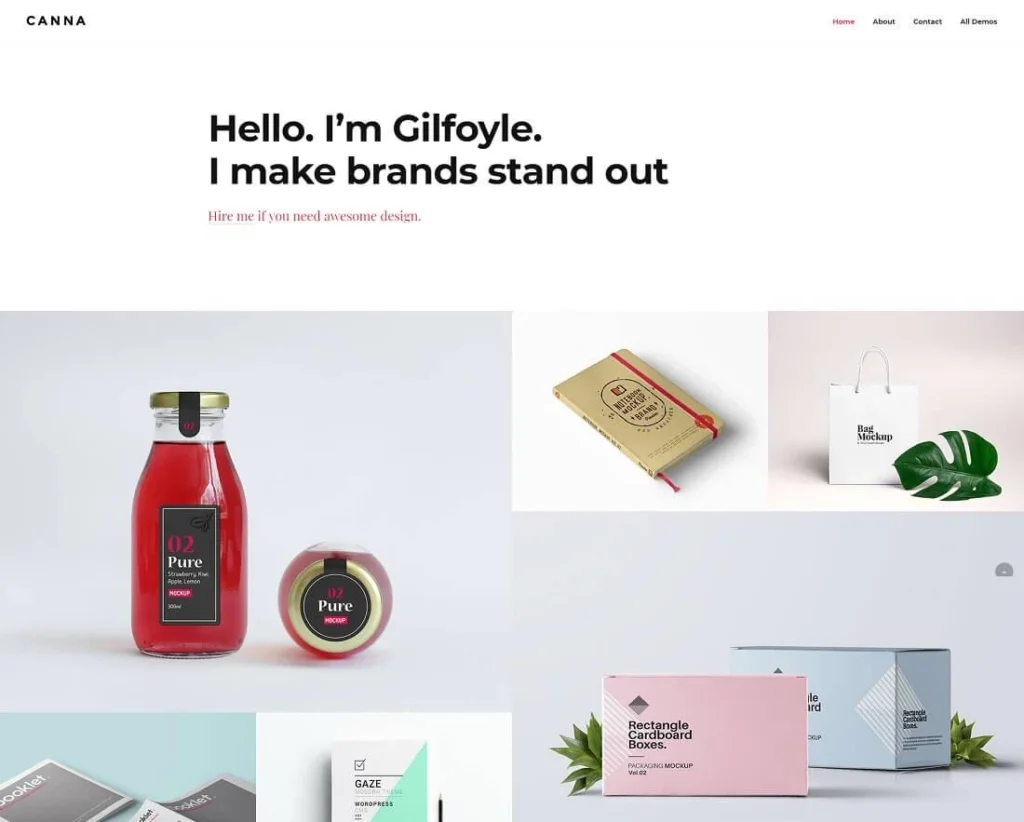
What Should a Digital Marketing Portfolio Include?
A good digital marketing portfolio website should look clean, professional, and easy to navigate.
Important sections include:
- Homepage
- About Me
- Skills
- Services
- Projects
- Testimonials
- Contact Page
Let’s understand each section.
1. Homepage
The homepage is the first thing visitors see.
It should include:
- Your name
- Short introduction
- Professional photo
- Call-to-action button
Example:
“Hi, I’m Shridhar Sharma, a passionate digital marketer helping brands grow online.”

Keep the homepage simple and attractive.
2. About Me Section
This section explains who you are and what you do.
You can include:
- Your background
- Skills
- Career goals
- Interests
Write naturally and honestly.
Example:
“I enjoy learning SEO, content marketing, and social media strategies to help websites grow.”
3. Skills Section
Mention the digital marketing skills you know.
Popular skills include:
- SEO
- Social Media Marketing
- Content Writing
- Google Ads
- Email Marketing
- Canva Designing
- WordPress
You can also use progress bars or icons for better design.
4. Services Section
If you want freelance clients, mention your services clearly.
Example services:
- SEO Optimization
- Blog Writing
- Instagram Marketing
- Website SEO Audit
- Content Creation
Simple service descriptions make your portfolio look professional.
5. Project Showcase
This is one of the most important parts of your portfolio.
Show:
- Blog websites
- SEO projects
- Social media pages
- Ad campaigns
- Content samples
Even beginners can add practice projects.
For example:
- A sample blog
- Instagram growth page
- SEO article examples
6. Certifications
Add certificates from:
- HubSpot
- Coursera
- Digital marketing institutes
Certificates increase trust and improve credibility.
7. Testimonials
If you worked with clients or friends, ask for feedback.
Positive reviews make your website look trustworthy.
Example:
“Shridhar helped improve our website traffic through SEO.”
8. Contact Page
Make it easy for people to contact you.
Add:
- Email address
- Contact form
- LinkedIn profile
- Social media links
A simple contact section improves communication.
Best Platforms to Create Portfolio Websites
You do not need advanced coding skills to create a portfolio website.
Popular beginner-friendly platforms:
- WordPress
- Wix
- Webflow
- Elementor
- Squarespace
Many platforms offer free templates.
Why WordPress is Popular
WordPress is one of the best platforms for beginners because:
- Easy to use
- SEO-friendly
- Customizable
- Thousands of themes available
Many digital marketers use WordPress for portfolio websites.
Tips for Designing a Good Portfolio Website
Keep Design Simple
Avoid too many colors or animations.
Use High-Quality Images
Professional photos improve trust.
Make Website Mobile-Friendly
Most visitors use smartphones today.
Improve Loading Speed
Fast websites provide better user experience.
Use Clear Navigation
Visitors should easily find information.
SEO Tips for Portfolio Websites
SEO helps your portfolio rank on Google.
Basic SEO tips:
- Use keywords naturally
- Write clear headings
- Optimize images
- Add meta titles
- Create quality content
A portfolio website with SEO can attract organic traffic.
Common Mistakes Beginners Make
Many beginners:
- Add too much information
- Use poor design
- Ignore mobile optimization
- Copy other websites
- Forget contact details
Your portfolio should feel personal and original.
Can Students Create a Portfolio Website?
Yes, absolutely.
Students can create portfolios even without professional experience.
You can add:
- Practice projects
- Blog articles
- College assignments
- Social media experiments
Starting early helps build confidence and skills.
Benefits of Having a Digital Marketing Portfolio
A strong portfolio can help you:
- Get internships
- Find freelance work
- Build personal branding
- Improve job opportunities
- Showcase practical skills
It works like your online identity.
Portfolio Website Trends in 2026
Modern portfolio websites now include:
- Dark mode design
- Interactive animations
- AI-generated content tools
- Video introductions
- Case study sections
But simplicity and user experience remain most important.
How to Grow Your Portfolio Website
After creating your website:
- Share it on LinkedIn
- Add blog content regularly
- Improve SEO
- Update projects
- Post case studies
A regularly updated portfolio looks more professional.
Final Thoughts
Creating a digital marketing portfolio website is one of the smartest steps for beginners, students, and freelancers in 2026.
A good portfolio helps you show real skills instead of only talking about them. It builds trust, improves online presence, and creates new career opportunities.
The best part is that you do not need expensive tools or advanced coding knowledge to start. With simple platforms like WordPress and basic SEO knowledge, anyone can create a professional portfolio website.
Start small, keep improving your projects, and slowly build your personal brand online.